Draft first
You can build a file before the sizes are checked. The name starts with PREVIEW-. Do not print that file yet.
Python 3.12 · CadQuery · MCP
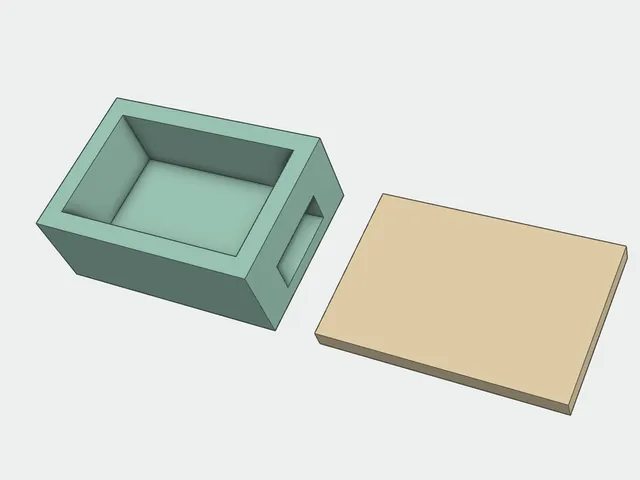
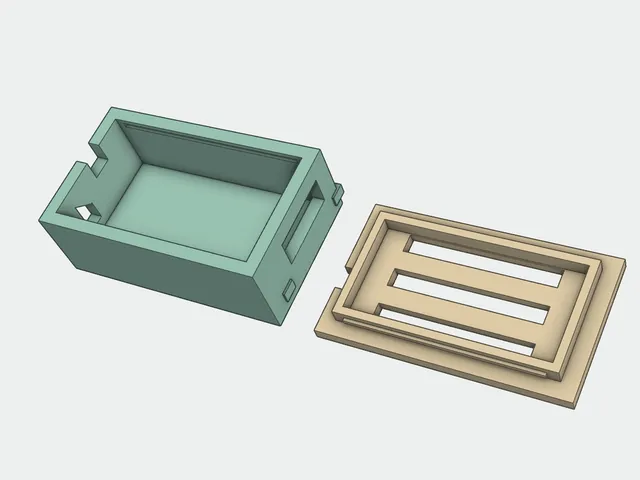
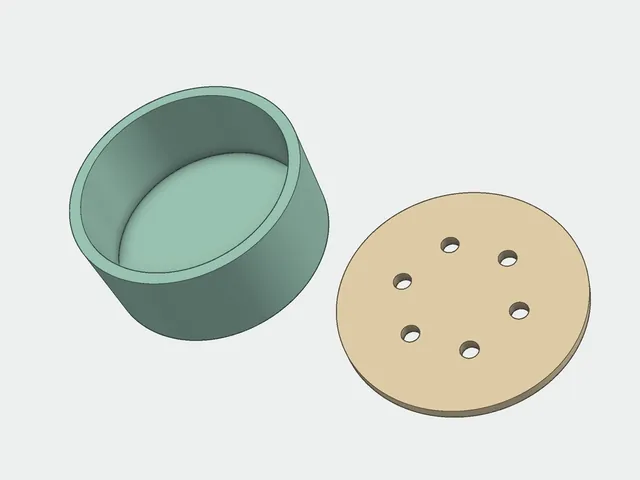
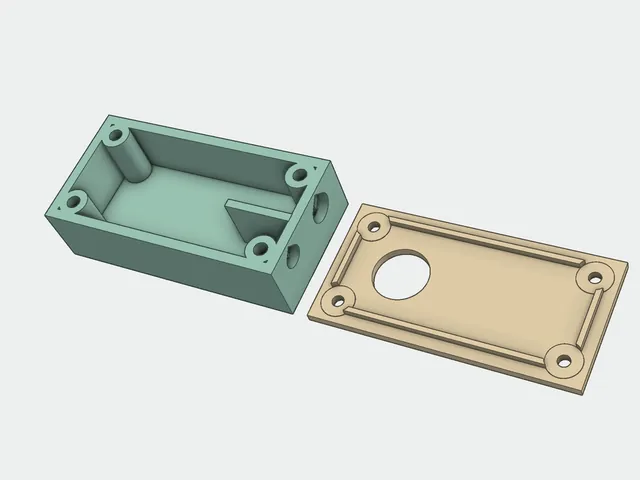
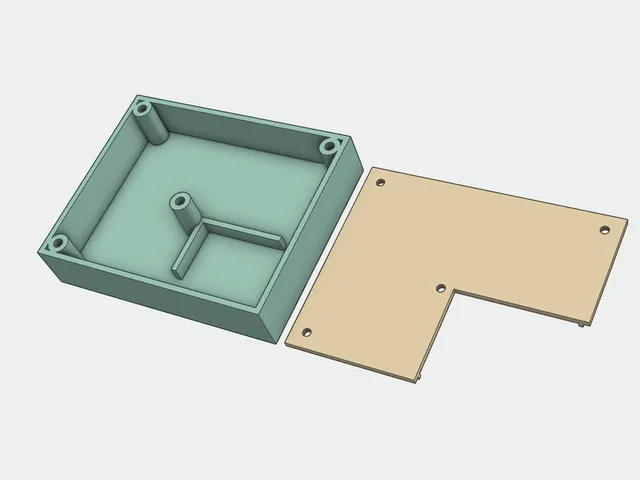
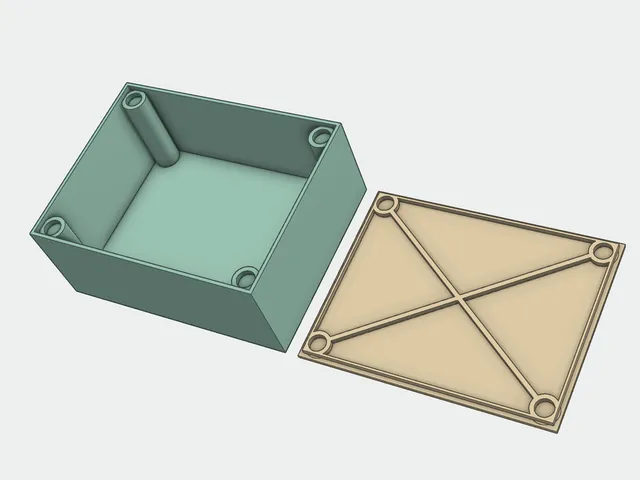
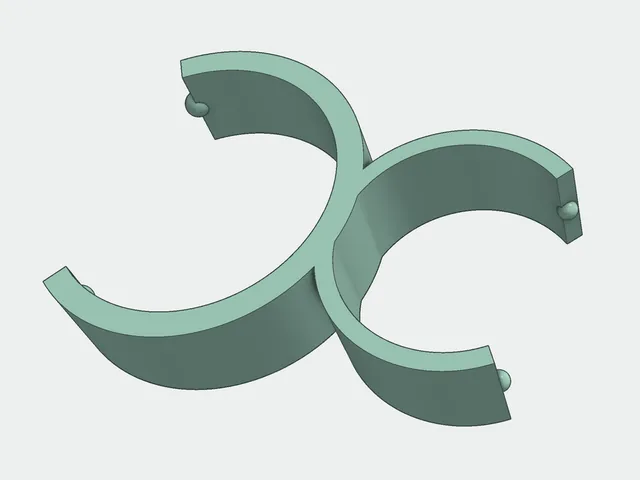
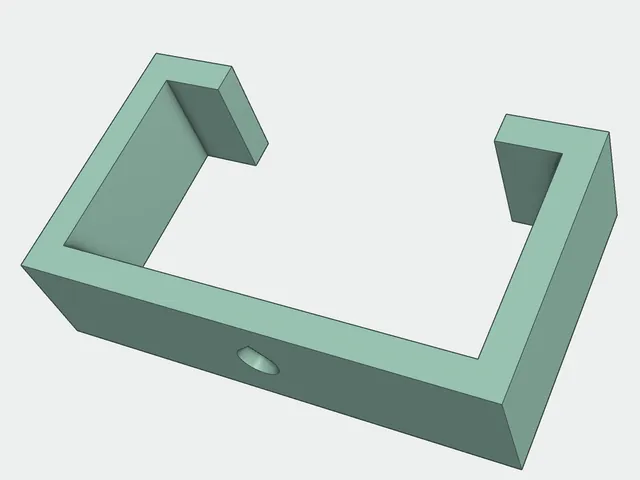
A short YAML file describes the part: a case for a board, a box, a tray, a pipe clip. You get STL, 3MF, STEP, and two pictures. Open the 3MF in a slicer yourself. Nothing here talks to a printer.
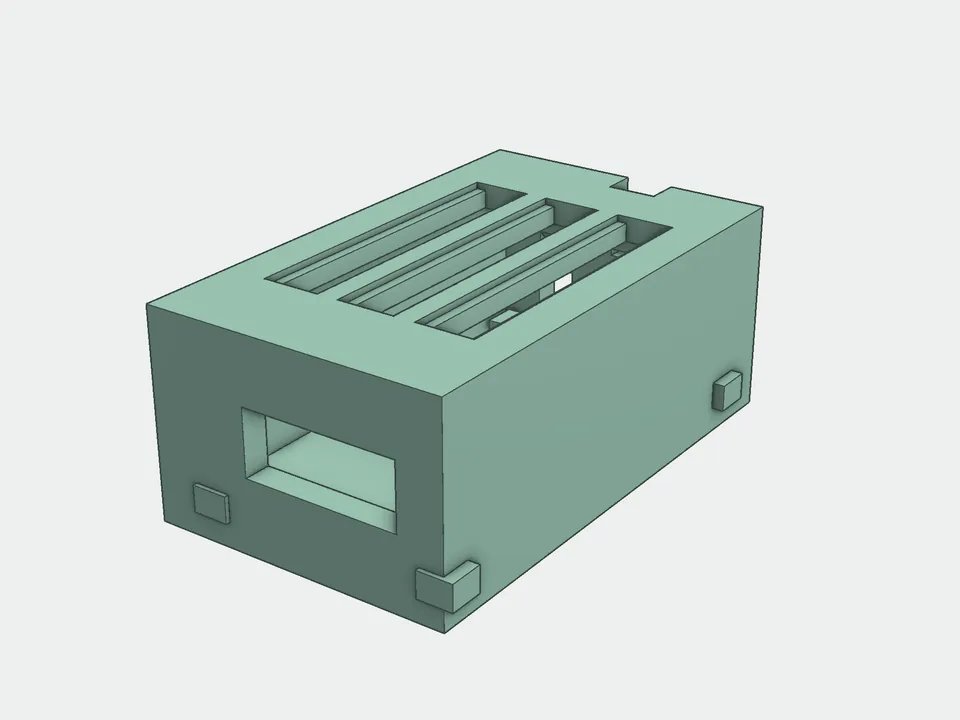
The shape comes from a template in the repo. Change the numbers in YAML instead of writing a script for each part.
You can build a file before the sizes are checked. The name starts with PREVIEW-. Do not print that file yet.
print runs only after a person confirmed the sizes that decide the fit. If the part crosses a keep-out, no file is written.
The 3MF is the shape only, with no slicer settings. Turn the parts on the bed yourself.
Every template has a fixture in fixtures/. The numbers are made up. Copy a file and put in your own measurements.
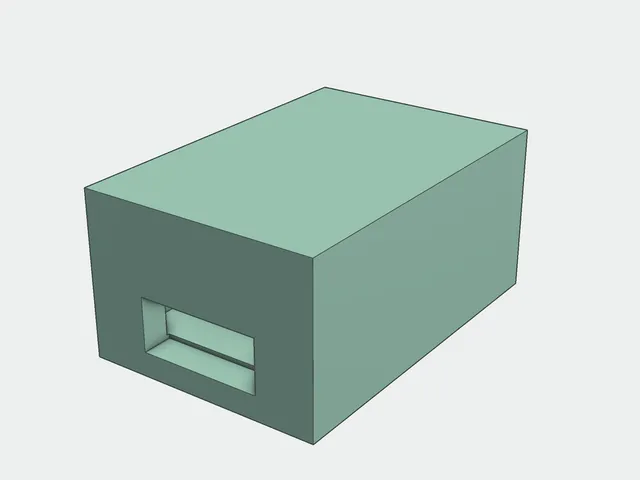
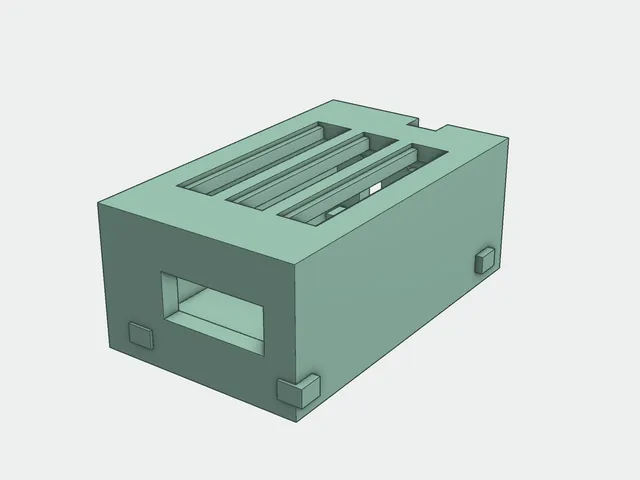
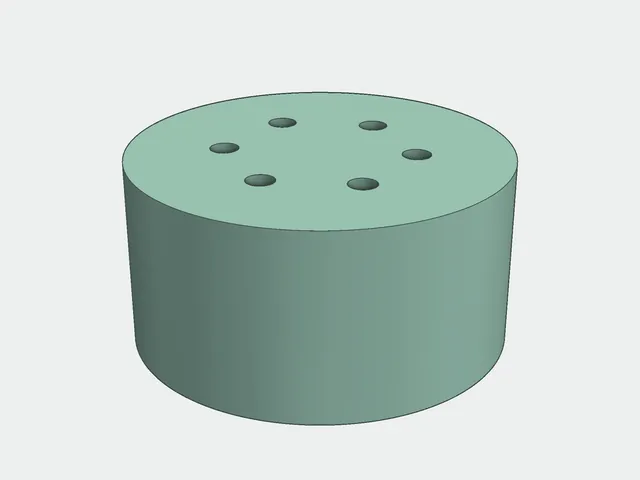
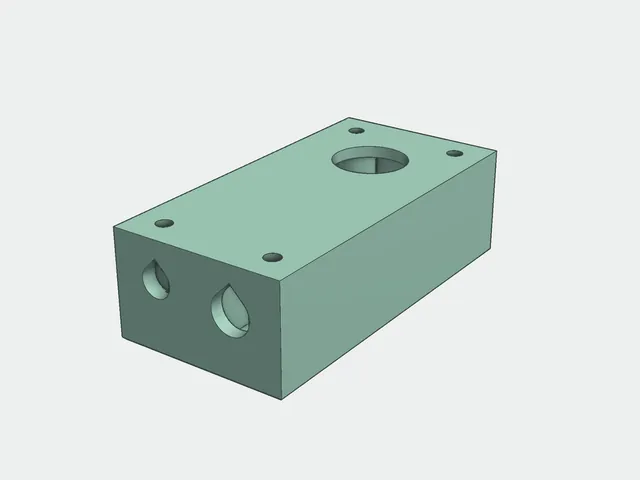
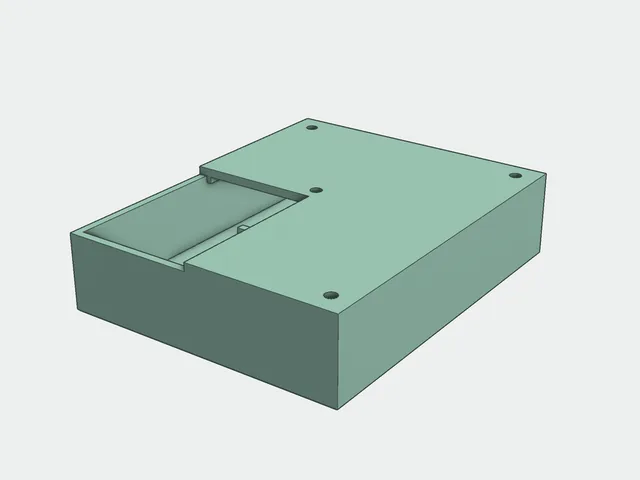
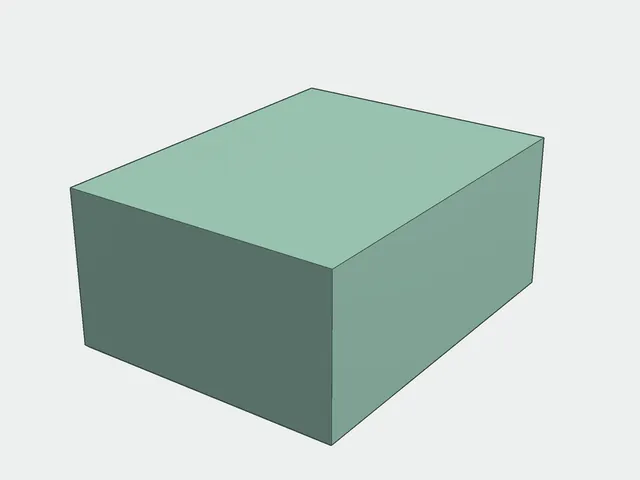
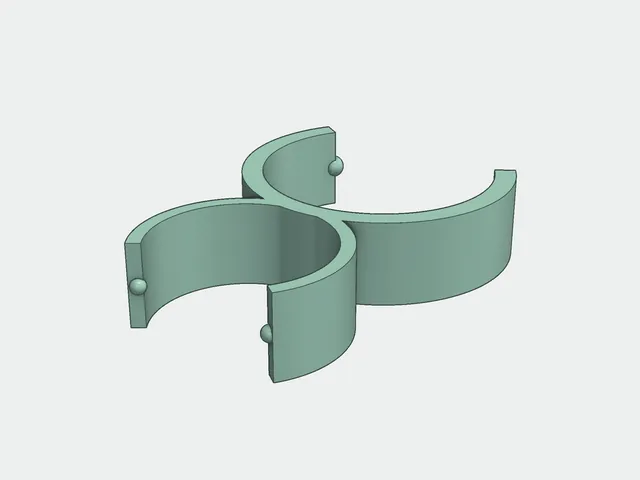
The skill is already in the paths that Cursor, Claude Code, and Codex read. Open the clone as the project. The MCP server fab has the same gates as the CLI.
.cursor/skills/, .claude/skills/, .agents/skills/validate_spec, generate_preview, generate_print, measurement_protocol and four moreconfirmed. A person measures.{
"mcpServers": {
"fab": {
"command": "/path/to/enclosure-fab/.venv/bin/python",
"args": ["/path/to/enclosure-fab/mcp/server.py"]
}
}
}CadQuery 2.8 needs Python 3.12. Do not run pip install -U: VTK, Numba, and NumPy would move together, and the geometry can change.
git clone https://github.com/BelyaevAD/enclosure-fab.git
cd enclosure-fab
py -3.12 -m venv .venv
.\.venv\Scripts\python.exe -m pip install -r requirements.txt
.\.venv\Scripts\python.exe scripts\fab.py preview fixtures\demo_snap.yaml